

REGISTER EVERY ASSET OWNER. AUTOMATICALLY.
Let units self register and report their final ownership
A reusable Sentinel tracker is paired to the serial number at the factory. When the unit stops moving at its destination, Sentinel compares the location with your registered accounts, adds public business data about the site and proposes the most probable owner. Once confirmed, the asset type and S/N are registered to the account.
- Delivery site detected without customer input
- Custody chain mapped along the way
- Account matched, or created for a new owner
- Unique event timeline for each unit

Identifying temporary custodians, resellers and the final owner
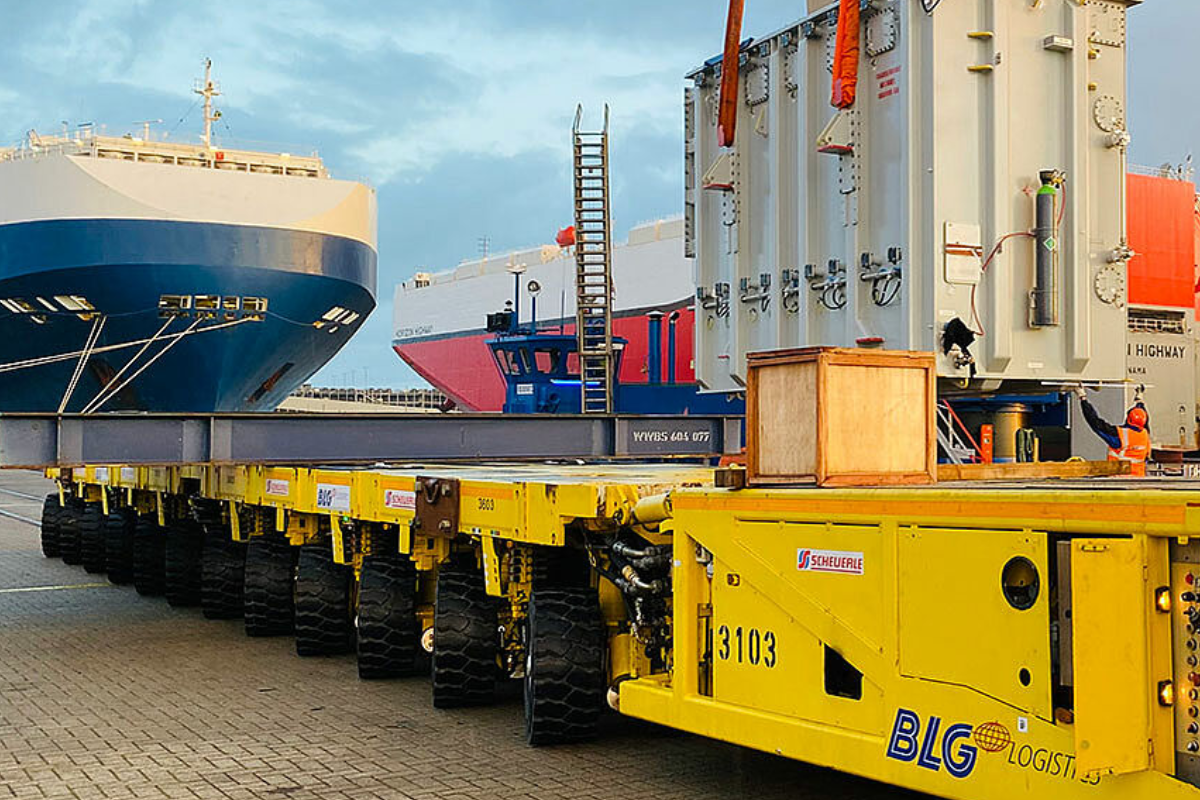
A unit waiting on the docks, in long term storage or at a carrier depot sits with a custodian. Sentinel weighs how long the unit has stayed, what surrounds the location and your own asset and customer profile before it proposes an owner. Carriers and warehouses are registered as custodians, integrators and distributors as channels.
Accounts that grow with every delivery
A match adds the asset and its site to the existing account. A new owner becomes a new account with its site and a sales lead for your service team. Every detection and event stays on the asset timeline, so service and sales work from the same record.
Channels mapped as you ship
With units sold through distributors and integrators showing where those partners deliver and install, your installed base and channel map streams itself in real-time.
The ownership trail of each asset supports export control documentation with the delivery location and the successive owners and custodians.

Older units found on the same site
New equipment often joins older machines and instruments of the same type but that were never registered. Once a tracked unit is registered at a site, that site is the place to look for them, and ATLAS Field IB capture lets a technician register each older unit from a photograph of its serial plate during the next visit.
- Track the new unit, find the older ones
- Serial plates read from a photograph
- One installed base record per site
Standalone, inside Salesforce or connected by API
Sentinel runs with its own dashboard, natively inside Salesforce or connected to your CRM by API. In Salesforce, registration matches or creates the account and opens a service opportunity. Your systems stay as they are, and data flows one way, from the device to your system.

